Features

What is in Climbmark today

This page lists what is live in Climbmark now and what is coming next. Both lists are read from the app when the site is built, so a feature shows as live here only when it is switched on there.

What the owner sees first

Which lead sources turn into fees

Climbmark reads the last 13 weeks of your CRM and shows one finding first, then every source with what it cost and the fees it turned into. Each Monday after that, the numbers that moved. The card is a sample.

Money

Live now

  • Money by source: leads, contracts, deals won and the fees each lead source turned into, next to what you spent
  • First look: right after you connect, Climbmark reads your last 13 weeks and shows the first thing it found
  • The Monday page: the numbers that moved and up to 5 moves for the week, ranked by the dollars at stake, with the same moves in the Monday email
  • A "Check it" line under each Monday move: one small thing to open in your CRM before you act
  • The Monday meeting: a name on every move, and a backup owner who gets the Monday email
  • This week is set: the Monday meeting ends with a name and a done tick on every move
  • Weekly scorecard: up to 12 weekly numbers against the targets you set
  • Fee forecast: what money lands in the next 30, 60 and 90 days, and what is at risk (GoHighLevel deals board)
  • True profit on each deal, and rep pay statements you approve
  • First conversations by lead source: how the first calls from each lead source actually went
  • Market split: your numbers per market, for teams buying in two or more
  • Ask your numbers: a question in plain words, answered from your own counts
  • Reports on a schedule to your email or Slack
  • What Climbmark found for you: what was found and what was saved this month, kept apart
  • Tool bill check: seats nobody used in 30 days and what they cost you, from your own prices
  • Office TV: the team competitions and last week's numbers on a private link
Deals and the CRM

Live now

  • Deal rescue watch: every deal under contract checked for what is slipping and who owns the next step
  • Closing desk: your team's closing steps on every deal under contract, with what is due, late, and who to call (GoHighLevel deals board)
  • Contract reader: drop a signed contract or addendum and the dates and terms come back for a person to accept; the file is not kept
  • Dispo and closing control: the buyer deposit clock and a closing countdown at 7 and 3 days (GoHighLevel deals board)
  • Offer check: every offer against your own max offer rule, with a second OK when it is over (GoHighLevel deals board)
  • Exit decision: when a seller signs, your own history for each exit, with deals, money made and days to close (GoHighLevel deals board)
  • Pulse and Watchdog: the morning after a lead stream goes quiet or the CRM link breaks, you hear what to check
  • Automations: when this happens, do that. Texts to sellers and CRM changes always wait for a person
  • Automations can start when a new lead comes in, a deal moves to a stage, or a deal sits in a stage too long, on GoHighLevel and Salesforce
  • Send the moments you pick to Zapier, Make, webhooks or a Slack channel; names go only if you tick them

Phones and sellers

Live now

  • Call These First: each rep's own contacts with an address, ranked by public-record signals in the cities and counties Climbmark covers (Growth Team and up)
  • Speed clock: how fast each new lead gets its first call or text, on GoHighLevel and Salesforce
  • Promised callbacks: sellers who asked for a call later, with their exact words and the date
  • Objections on real calls: the objections sellers raise most and how often the call still got a next step
  • Opt-out proof: a record that your team honored each seller who asked not to be called
  • Clean Record: the same seller typed twice, found for a person to sort
  • Say it once: a rep's call fills the contact's fields, only the ones the rep ticks
  • Call brief: five lines on the seller before a call, and a 2-minute practice with a made-up seller
  • Your reps this week: one focus for each rep, one tap to assign the fix, and a note the rep sees
  • A fix behind each coach finding: what good sounds like, the usual miss and a 2-minute practice
  • Views per role: dispo, TC and back office open to their own counts and today's list, never dollars

When you add people

Live now

  • Ready reps: find reps with a proven skills record and invite them to talk

For the owner

Live now

  • Deal rescue watch: every deal under contract checked for what is slipping and who owns the next step
  • Systems check score
  • Ramp Report: each rep's status and the team's top gaps
  • Two-step sign-in before anyone sees rep results
  • Readiness, weakest skill and last active for every rep
  • Days-to-ready trend and a CSV download
  • Your month in numbers: practice, grades and reps ready, against the month before
  • An alert when a rep starts to slip
  • A 30-day ramp plan for each new rep
  • A quarterly skill check with each rep
  • Ramp Report by email every Monday, with a 12-week trend of practice minutes, rounds, grades and reps ready
  • Candidate tryout link with coaching feedback, no pass or fail
  • New hires: see how a new rep handles a seller before their first live lead (Ready for live leads)

For the rep

Live now

  • A path for each job: lead manager, acquisitions, dispo, follow-up, cold calling, transaction coordinator, team lead, deal analyst, project manager, marketing manager, operations and CRM admin, and rental manager
  • 70 levels across the 12 paths, each with a boss round
  • Short lessons, a sorting game, practice rounds where you pick what to say, and boss rounds
  • XP, ranks, streaks, badges and a deck of the people you met
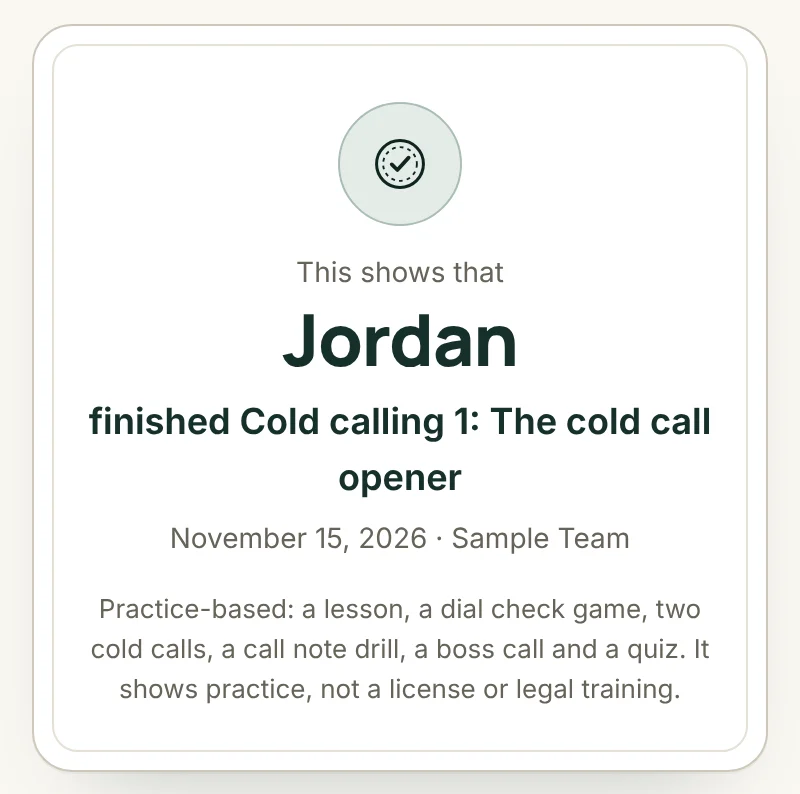
  • A check link for each level you pass, and a skills record that travels with you
  • Voice practice in the browser
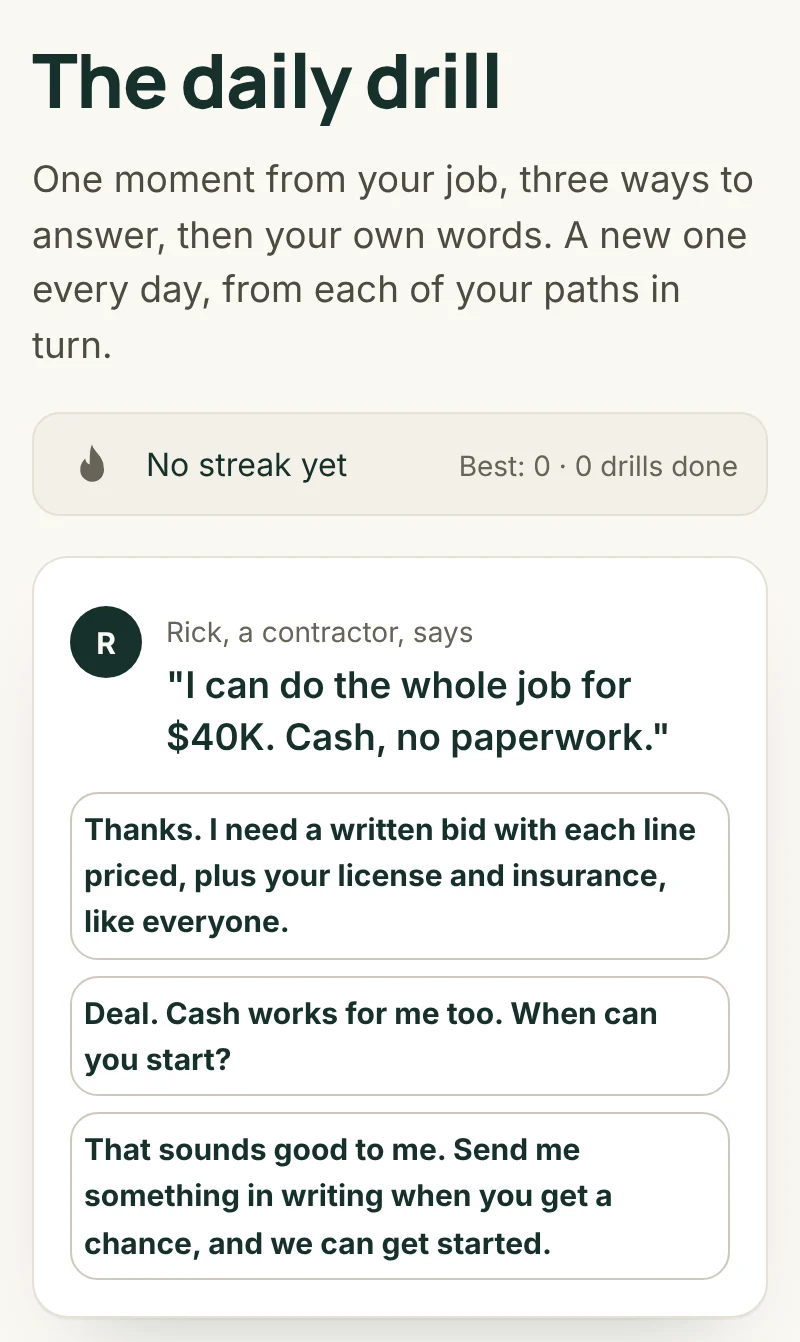
  • A 3-minute drill every day for each path you train, and a practice streak that any practice keeps going
  • My playbook: save your best lines, sort them by skill and print them
  • A keep-sharp talk each month for every path you finish
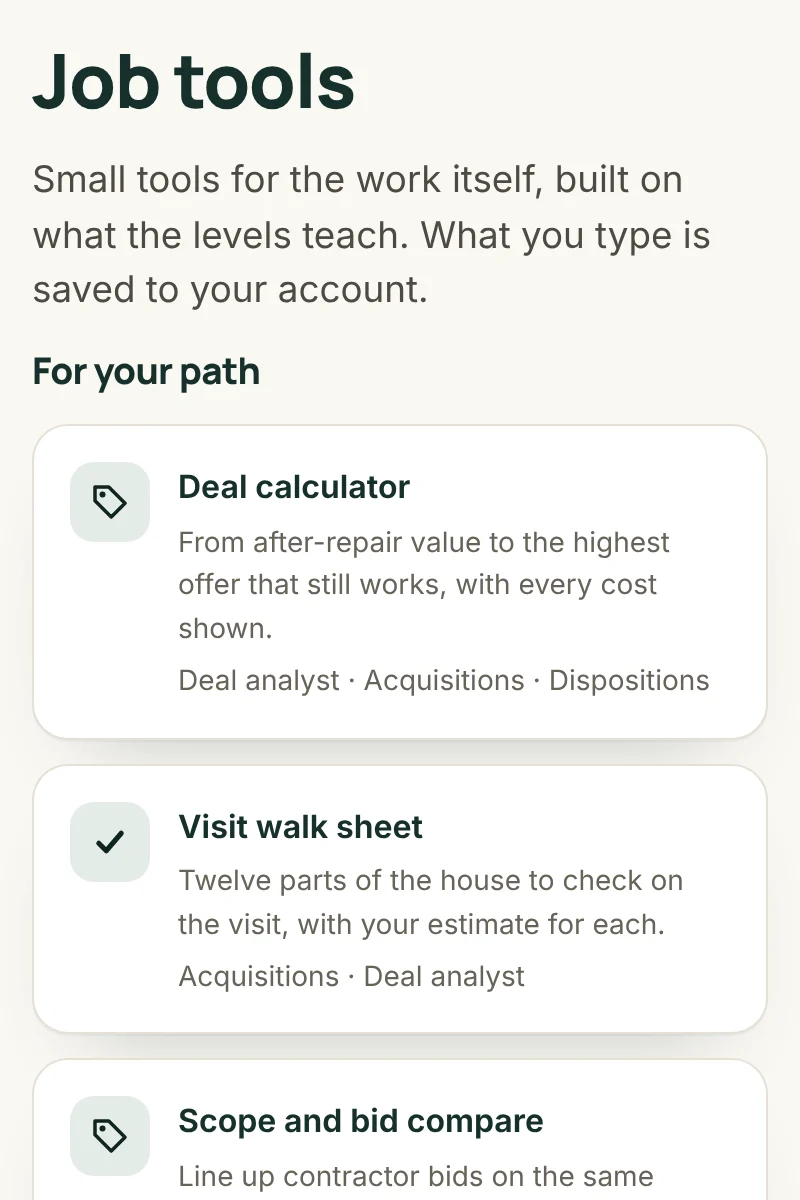
  • Job tools for each path: deal calculator, walkthrough checklist, contract-to-close tracker, follow-up list, call notes and more
  • Skill refresh: a skill you have not used for 30 days comes back as a short check
  • Monthly seasons with a season badge
  • Live AI practice calls with different endings
  • A new Challenge room seller every month
  • Practice a real lead with an AI seller before you call it
  • Replay my last line: redo the exact moment you fumbled on an AI call, up to 3 times a call
  • Live voice calls: a real-time, hands-free talk with the AI seller
  • Challenge rooms built from real market situations: read the file, make the first move, then a twist
  • Your coach: what to look at next, a tip for the day and the playbook for your job
  • Ask your coach: questions answered from the playbook and the lessons
  • Practice that fits you: the people you practice with get tougher after strong rounds and ease back after rough ones
  • A suggested next path when you finish one

Coming next

  • Replay and transcript with "say this instead"

For the team lead

Live now

  • One team link for the whole team
  • The 20-minute coaching week: who to coach and on what, from the team's own results
  • XP board and most missed skills
  • 15-minute huddles with a spin wheel and a printable drill deck
  • A new huddle twist each month so the same cards feel fresh
  • Assign a level, a game or a practice round with a due date
  • Review queue: read the round, comment, approve or try again
  • Team XP board for this month and all time
  • Team league with other teams on the app, opt in, under a name you pick
  • A one-on-one plan for each rep

Coming next

  • Team competitions: the team lead picks who competes, the dates and what counts, and everyone sees the leaderboard

Your way of working

Live now

  • Your call window and team rules shown in every lesson
  • General rules only: nothing tied to one state
  • Paste your script: it becomes flip cards, a practice round and a quiz for your reps
  • Send each level a rep earns to your CRM through Zapier or a webhook
  • Team sellers built from the leads you really get
  • Data tools: Call safe check, Lead signal watch and Cash buyer finder
  • Connects to GoHighLevel and Salesforce, so coaching and deal tools run on your own records
  • On GoHighLevel: a handoff check and a review of reps' real seller texts, each turned into practice
  • Call These First: each rep's own leads with fresh public records, at the top of the list

Coming next

  • Your buy box, never-promise list and handoff rules

"Coming next" has no date yet. Buy a plan for what is live now. What changed lately, by date

The daily work

Help with the daily work too

Experienced people need this as much as new ones. Climbmark also watches the work that slips between people, and on GoHighLevel and Salesforce it runs on your own records.

  • Deal rescue watch: every deal under contract checked for what is slipping and who owns the next step (Starter Team and up)
  • The 20-minute coaching week: who to coach and on what, from your team's own results (Starter Team and up)
  • Your coach: each rep gets a card with what to look at next and the playbook for their job, so you are not the only coach (Starter Team and up)
  • Call safe check: opt-outs, Do Not Call and calling hours before anyone calls or texts (Starter Team and up)
  • Handoff check: on GoHighLevel, appointments set without the seller facts the next person needs are flagged (Growth Team and up)
  • Call These First: on GoHighLevel, each rep's own contacts ranked by fresh public records (Growth Team and up)
  • Call These First: on Salesforce, open leads with a street address ranked once a day by public city records, in the cities Climbmark covers (on plans that include it)

When you add people

What a rep sees

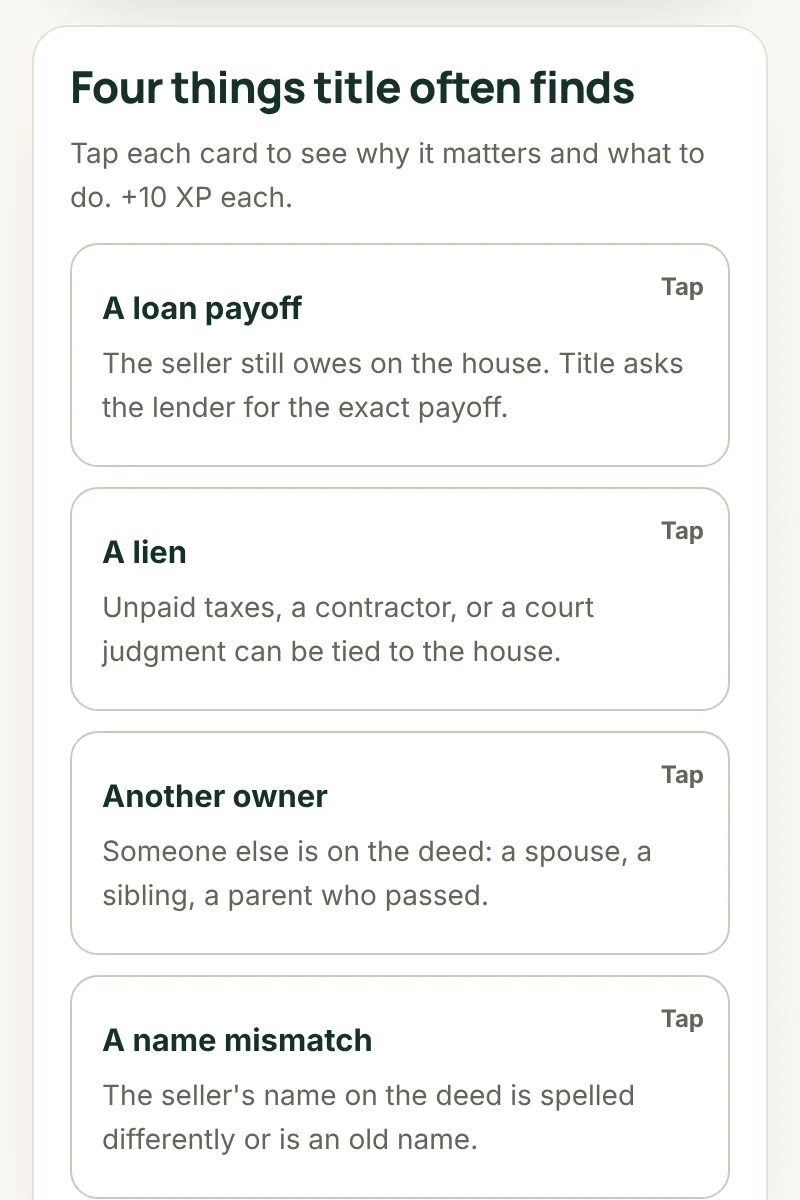
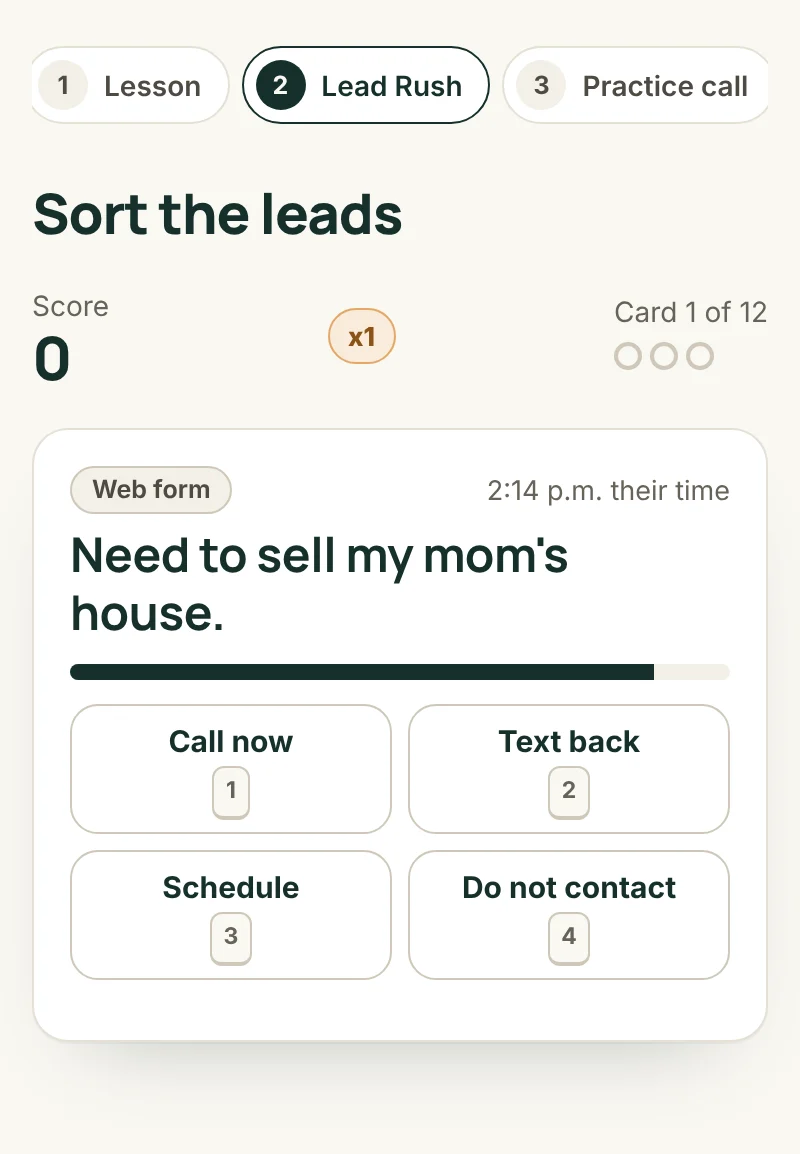
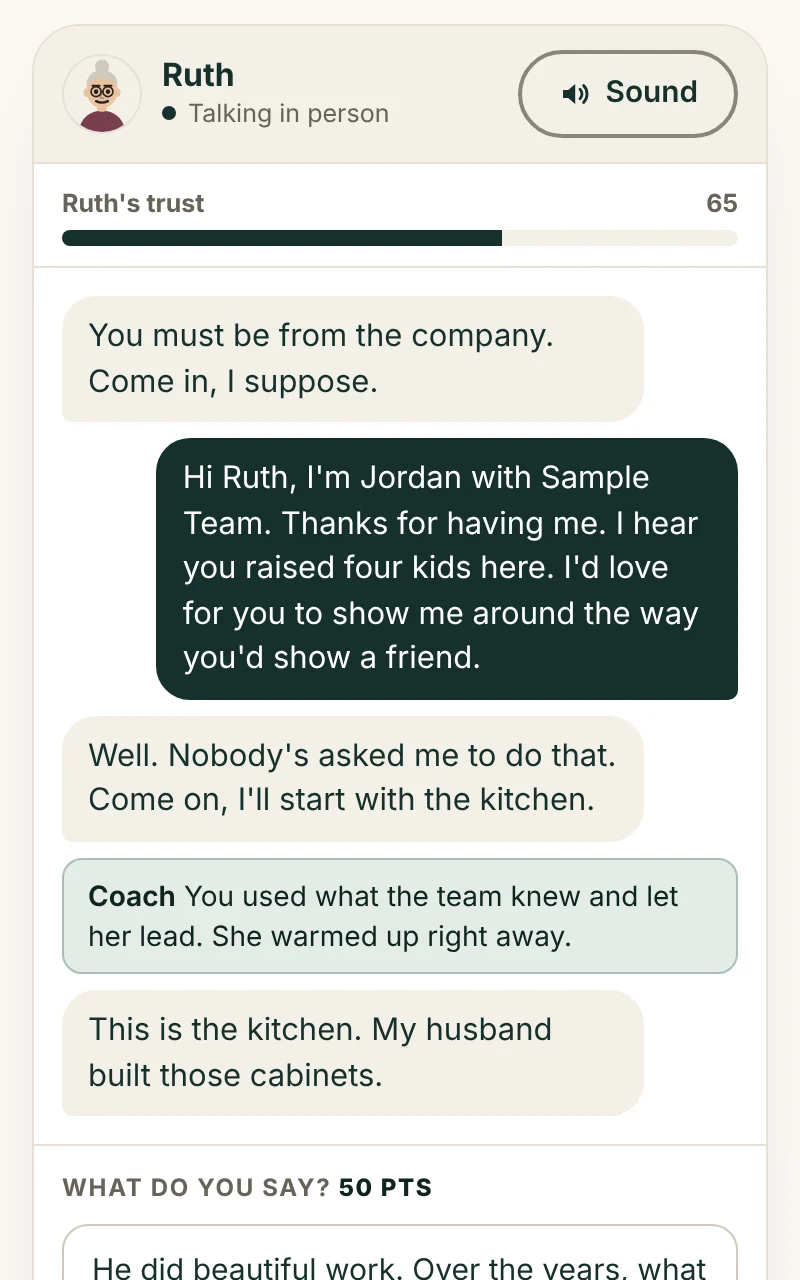
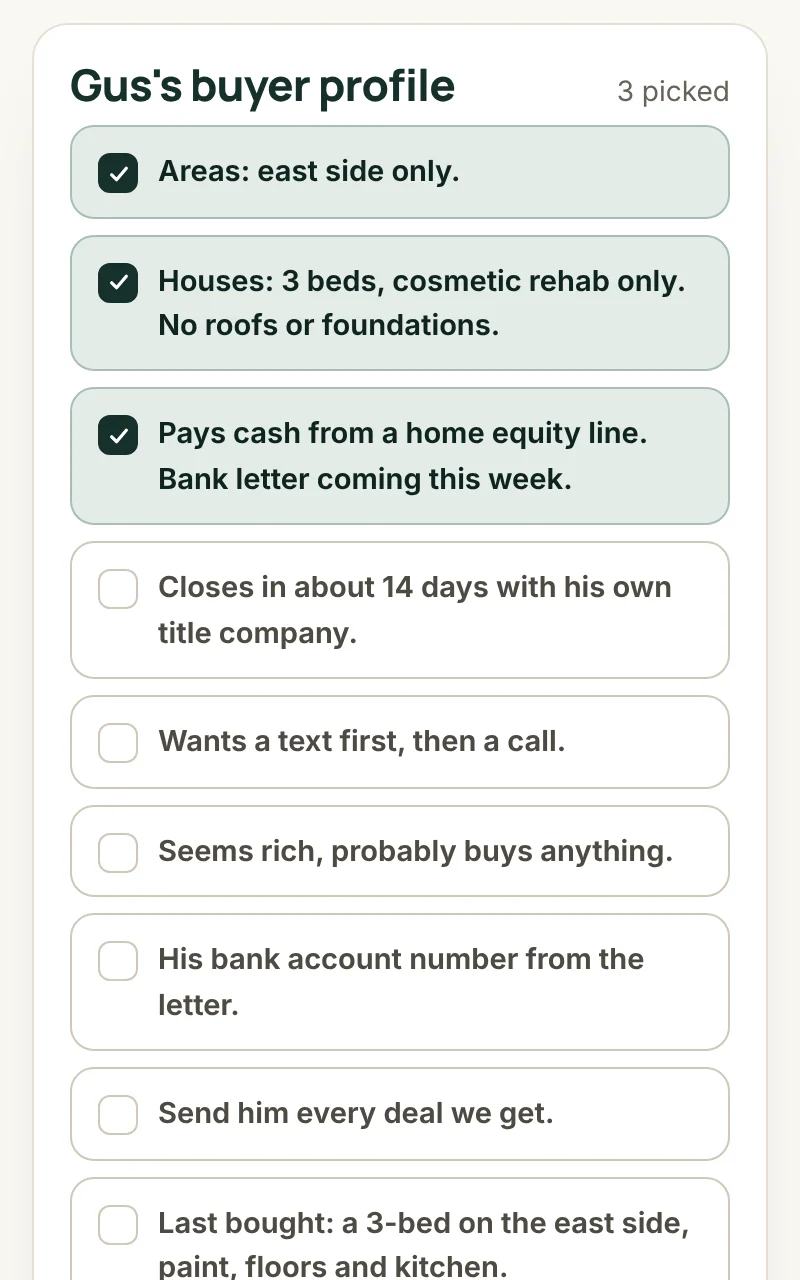
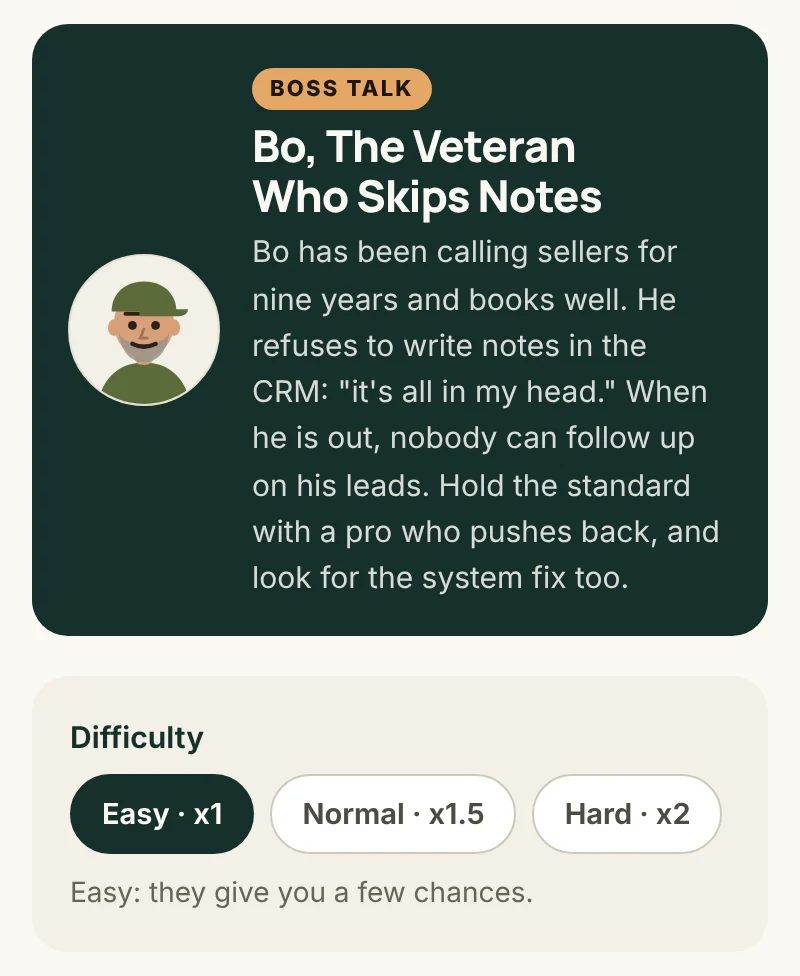
Nine real screens from the app, at phone size, each from a different job path. The people and names are samples.

What the people who run the team see

The same app, signed in as a team lead or the business owner. The team in these pictures is a sample.

Look back 13 weeks. Then decide.

Connect your CRM and see which lead sources turned into fees over the last 13 weeks. Nothing changes in the CRM unless you turn it on.